Apps and technology
Promoting Digital Literacy by Using Kahoot!
TVI uses the educational game app to provide technology practice in a motivating way.
I have two high school students who are neurodivergent with low vision. We have ECC (expanded core curriculum) goals in their daily learning objects that include assistive technology skills to use computers and other electronic equipment to function independently and effectively at school, home, or work. I was trying to brainstorm a way to make it as engaging and fun as possible and I remembered the classroom hit Kahoot.
Kahoot is an online program that I learned about when I went into a 3rd grade classroom daily during COVID times. I continued to see it in many classrooms as a way to review content or just have a break in the day with trivia. Having Kahoot as an app on my iPad, I thought it would be a perfect way to practice skills for two of my teenage students. They could develop their own Kahoot and then present it to their peers.
What is Kahoot
Kahoot is a popular game-based learning platform used to create, play, and share interactive learning games and trivia quizzes for any subject and age. It is widely used in schools, businesses, and social settings to boost engagement and make learning fun. Using questions and multiple choice and True or False options for answers.
Ways we incorporated Kahoot
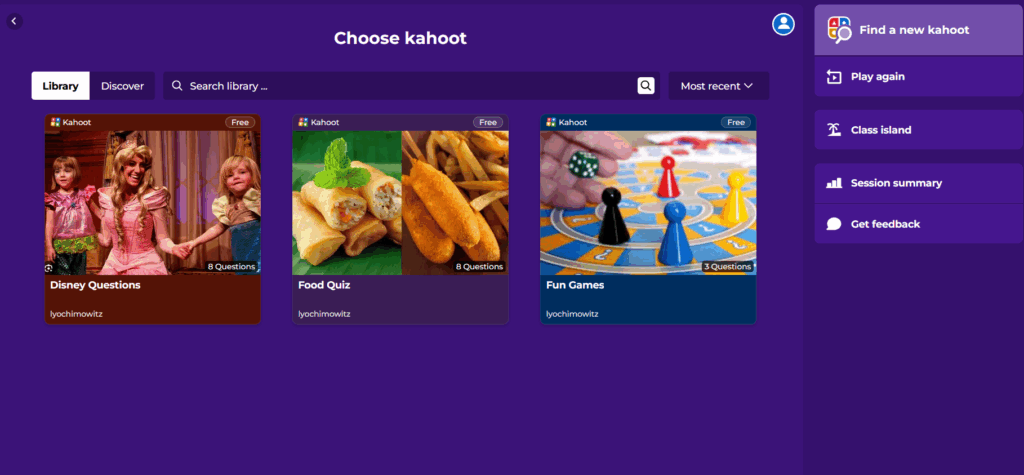
- First, we learned how to independently play Kahoot by having the student practice playing it themselves. I allowed them to pick a trivia game they were interested in. One picked Disney trivia and one picked Zootopia movie trivia. Note: Check the games first, many are not accessible and created by other classrooms so they need to be checked first.
- Creating our own Kahoot involved several sessions during vision support and was used at the end of our lesson. One because it was fun but two because it was also challenging by incorporating a lot of steps.
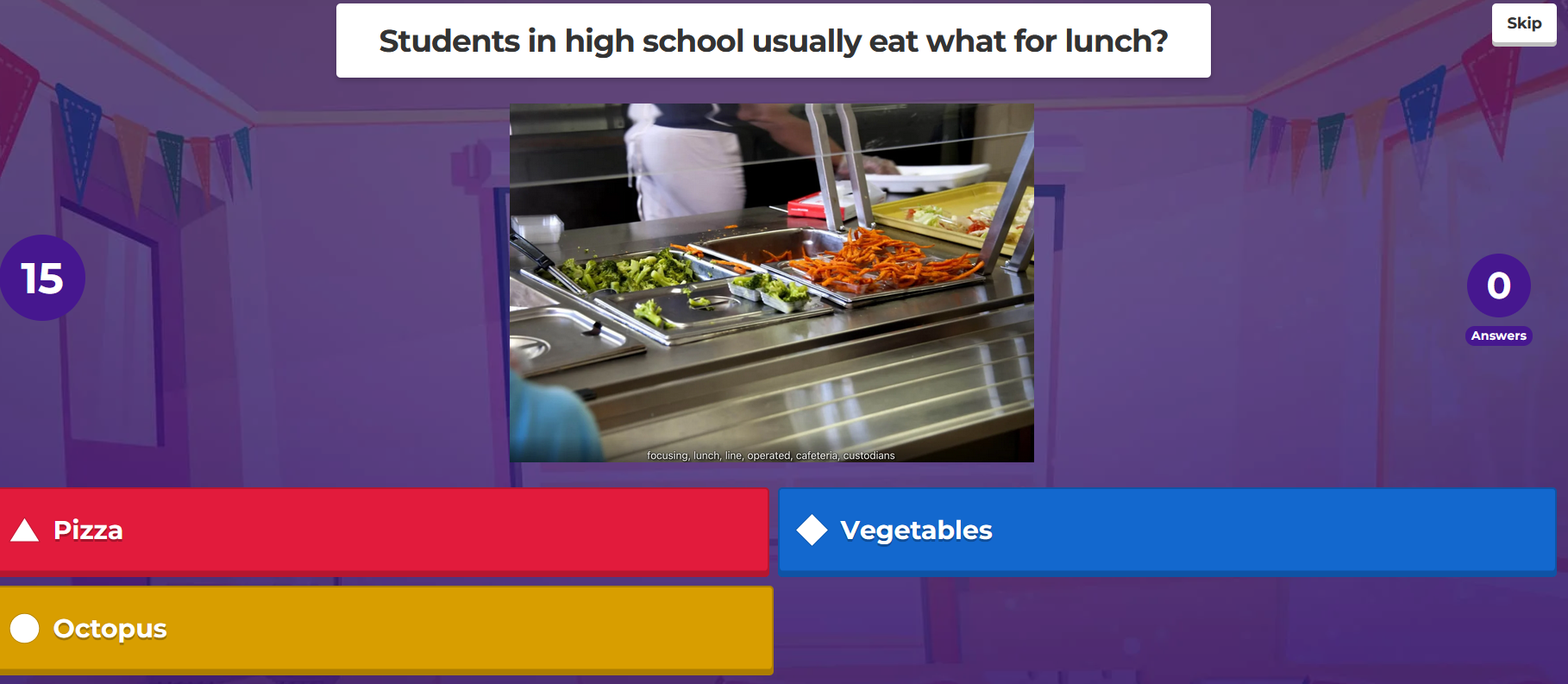
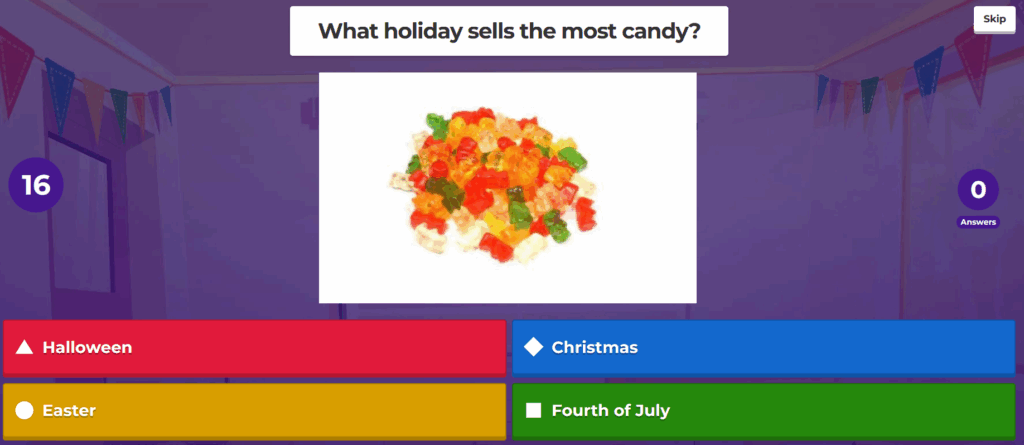
- Each student had to learn how to research their topic and come up with questions that were topical, making sure it could be a true or false question or multiple choice.
- They had to type their question by inputting it into a slide and then come up with possible answers. I would probe and cue to guide them.
- Each question needs a picture and the students would find one, crop it and input it into the slide.
- We would periodically check it all and try it out ourselves with delight.
- Once complete, we would give the classroom teacher the information to share with the class. They were beaming at their creation.
What to think about
- Make sure the Kahoot quizzes you use are appropriate and accessible to your visually impaired students
- Use the alt text feature for pictures too
- Practice one-on-one first to create confidence and success
- Guide them but don’t do it for them
- Ask the classroom teacher before assuming they will share it with the class