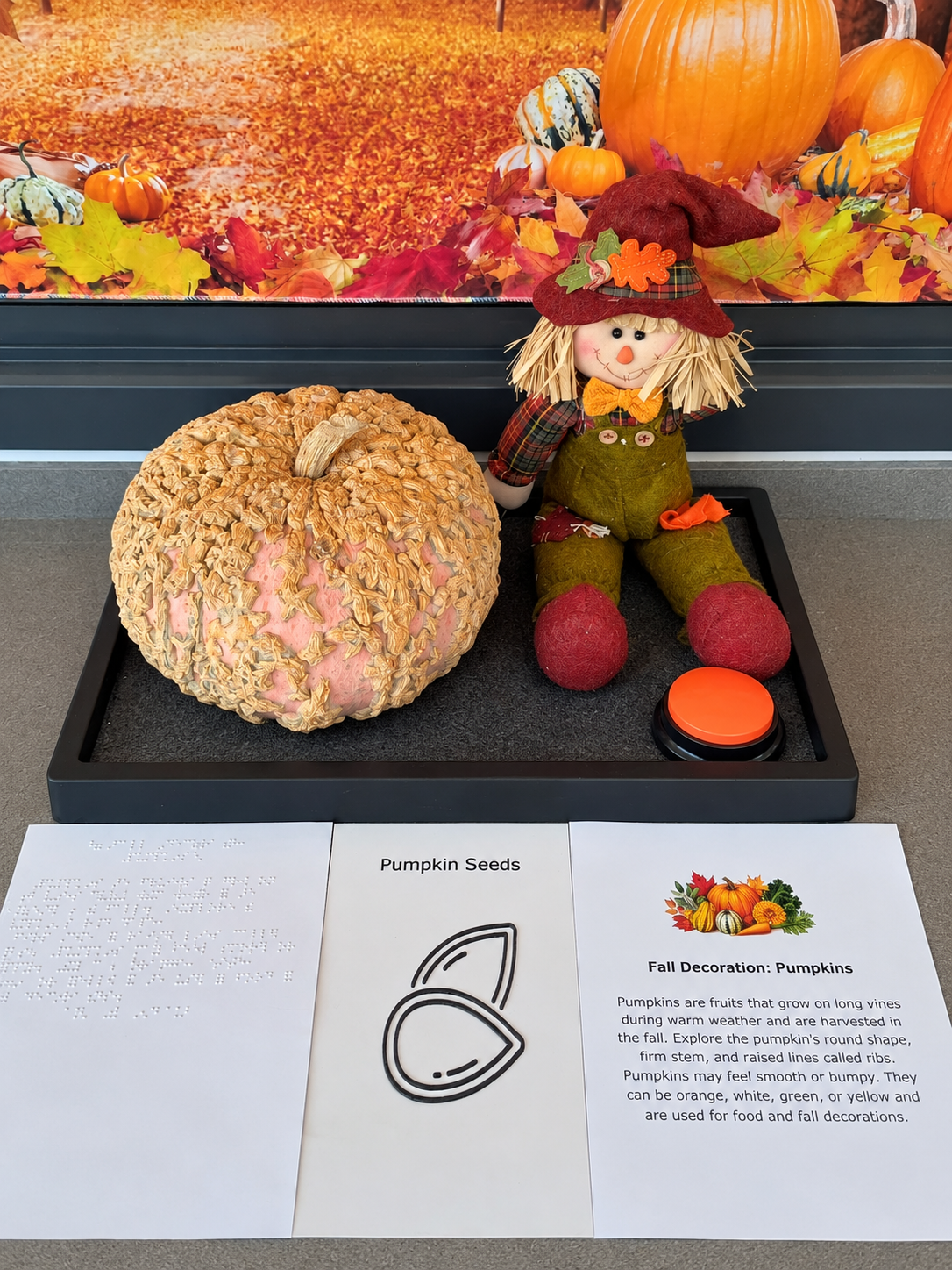
It’s the beginning of fall, a season that offers rich opportunities for students to explore changes in weather, plants, foods, colors, scents, and textures. From a horticultural perspective, fall is an especially meaningful time to introduce students to the fruits, vegetables, herbs, and flowers connected with harvest traditions and cooler growing conditions.
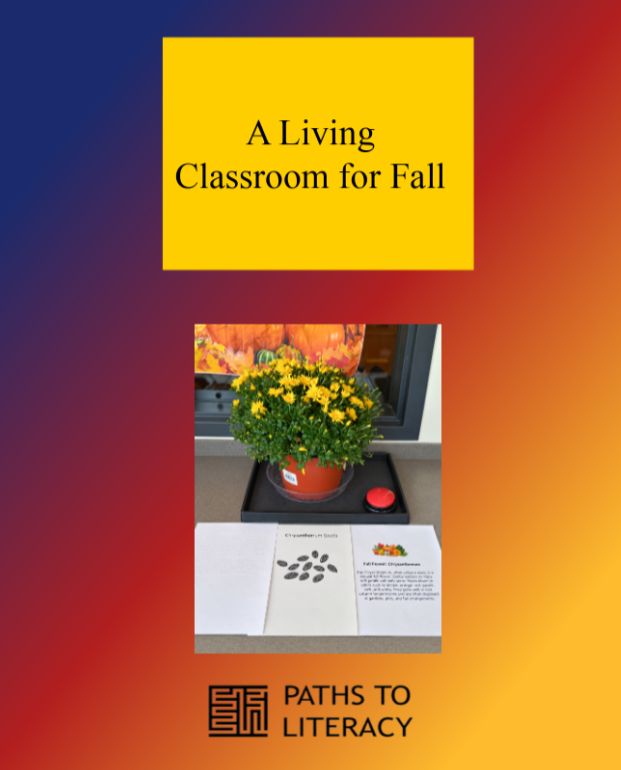
I created an accessible fall display in the horticulture room to help our students experience this seasonal transition through hands-on learning. The display was designed for students who are blind, have low vision or cerebral visual impairment, or have additional learning needs. Rather than depending on pictures or printed facts alone, the display allows students to gather information through touch, smell, hearing, and available vision. The display consists of 7 live items.
The fall display transforms the horticulture room into an accessible seasonal learning environment. By combining real plants, tactile exploration, large print, braille, audio descriptions, creative activities, and student choice, the experience allows students with different abilities to participate meaningfully.
The project demonstrates how horticulture can support literacy, science, communication, sensory efficiency, and the Expanded Core Curriculum. Most importantly, it gives students a direct way to understand the transition into fall and to discover the plants that make the season distinctive.
Purpose of the display
The first goal was to help students recognize that the end of summer brings a new season with different weather patterns and plant life. The second was to teach students about plants, flowers, herbs, fruits, and vegetables associated with fall. A third goal was to encourage students to compare, classify, make choices, and communicate what they noticed.
The activity also connects literacy and science within a living classroom. Students encounter new vocabulary, listen to short informational texts, explore real objects, sort items into categories, and describe their observations using their preferred communication methods.
Accessibility built into the display
The information is presented in four formats so students can use the access methods that work best for them. Real objects are the foundation of the display because they provide direct information that a photograph cannot fully communicate.
Tactile access
- Students may examine the real fruits, vegetables, herb, and flower.
- Objects are presented within organized spaces (trays) so students can locate and compare them safely.
Visual access
- Large-print labels and high-contrast materials support students with low vision.
- Items can be presented one at a time against a plain background to reduce visual clutter.
Braille
- Braille labels identify the displayed items.
Auditory access
- Audio buttons provide approximately 30 seconds of information about each plant, fruit, vegetable, herb, or flower.
- The recordings make the same printed information available in an auditory format.
Seven live and natural display items
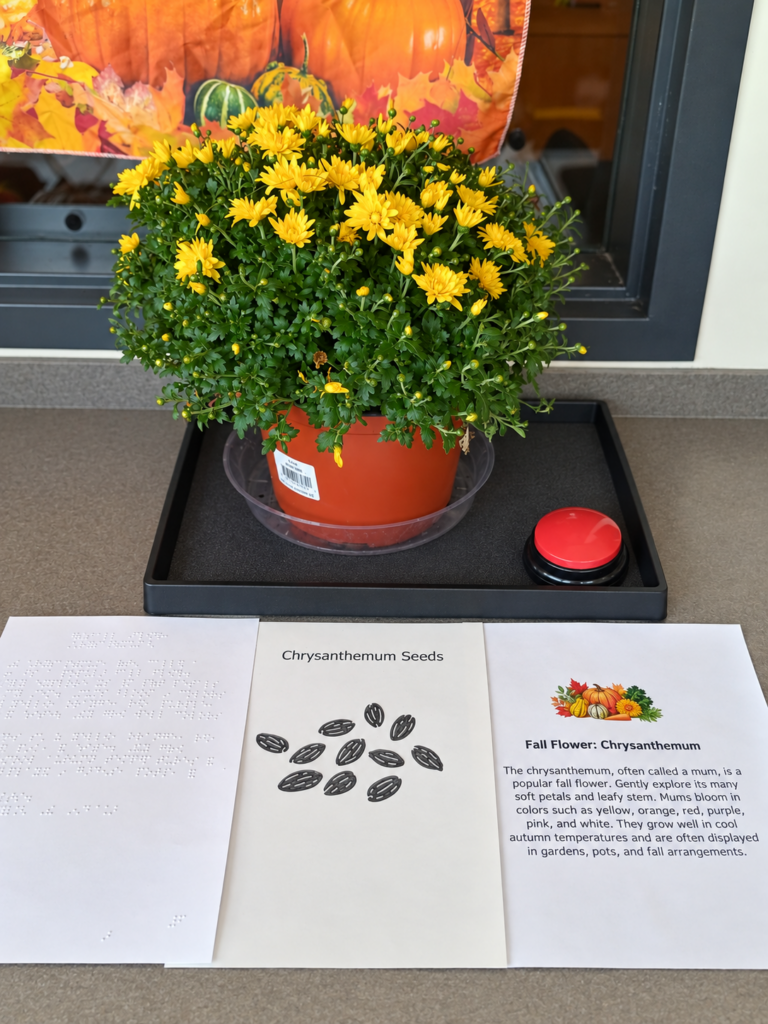
Item 1: Chrysanthemum (Mum)
Category: Fall plant
Features to explore: Many soft petals and leafy stems
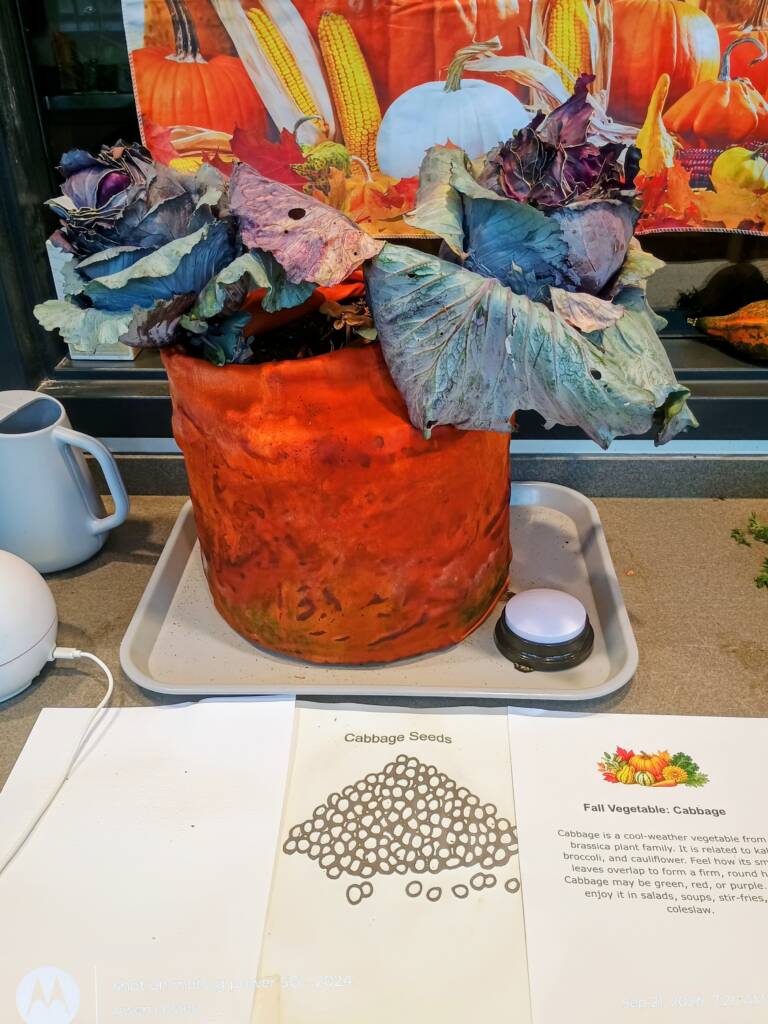
Item 2: Cabbage
Category: Vegetable
Cabbage is a cool weather vegetable from the brassica plant family. It is related to kale, broccoli, and cauliflower. Feel how its smooth leaves overlap to form a firm, round head. Cabbage may be green, red, or purple. People enjoy it in salads, soups, stir-fries, and coleslaw.
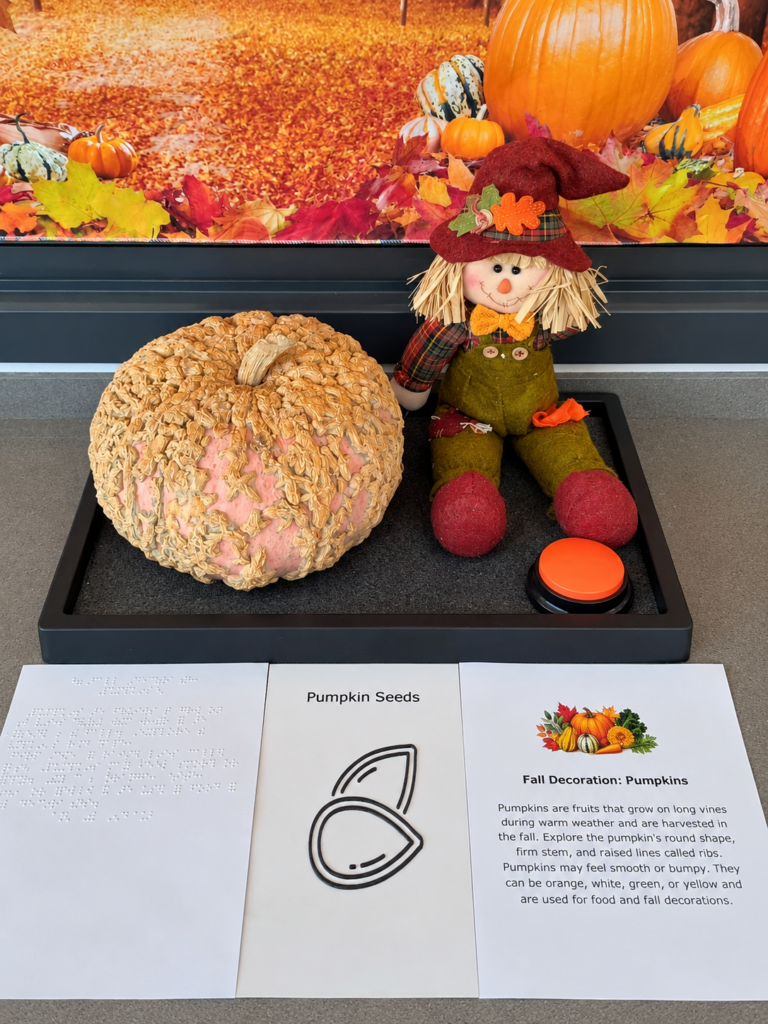
Item 3: Textured Gourds
Category: Fall fruits and decorations
Features to explore: Curves, bumps, ridges, varied shapes
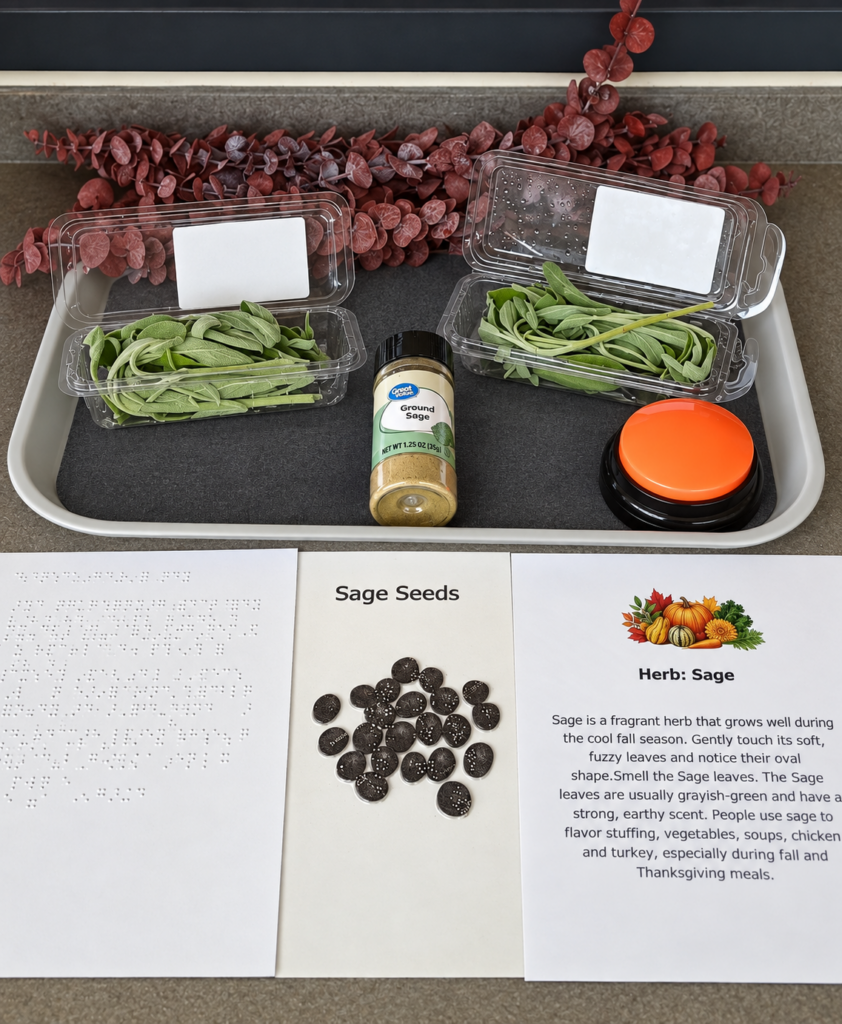
Item 4 : Sage
Category: Herb
Features to explore: Soft fuzzy leaves and earthy scent
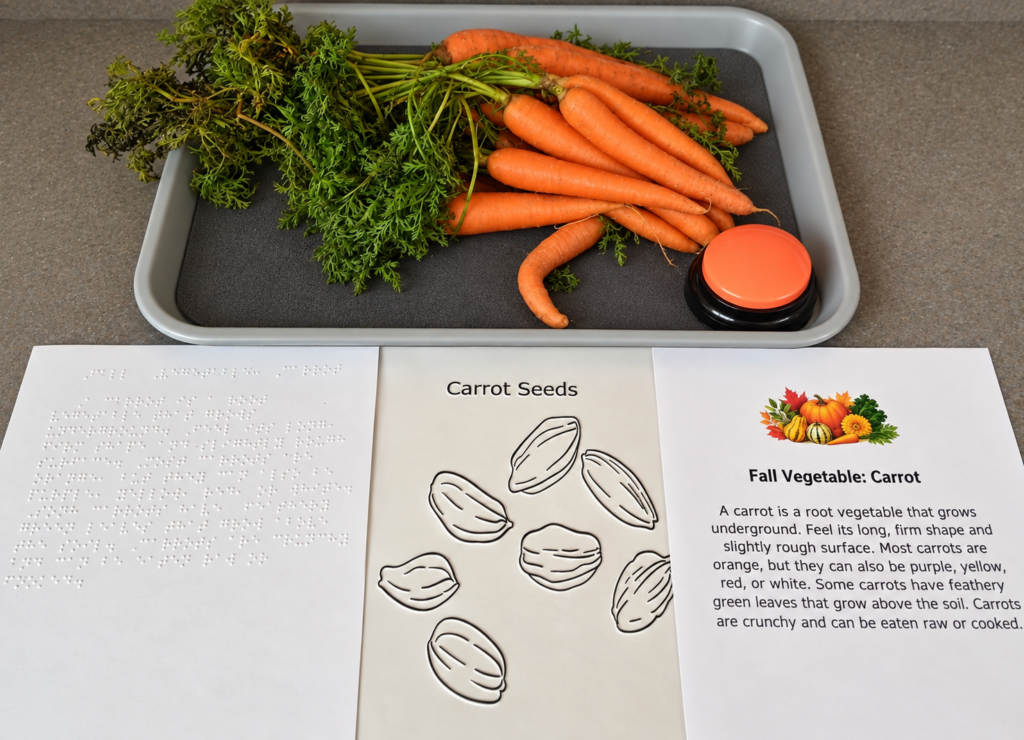
Item 5: Carrots
Category: Root vegetable
Features to explore: Long firm root and feathery leaves
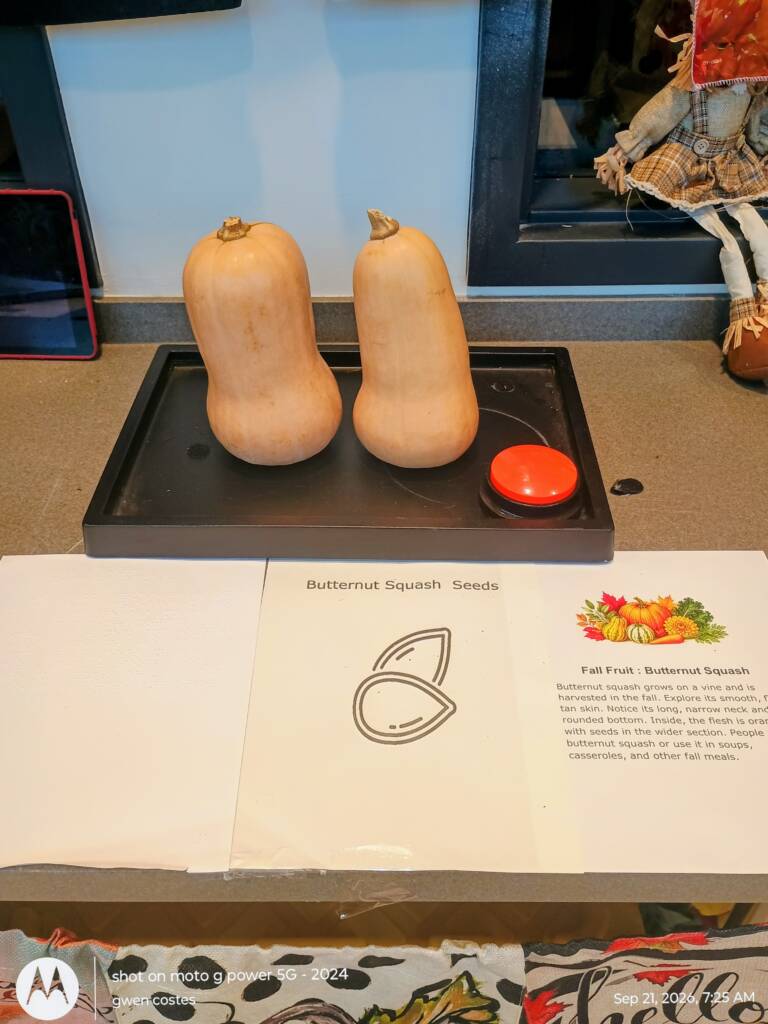
Item 6: Butternut Squash
Category: Fall Fruit
Features to explore: Smooth skin, long neck, rounded base
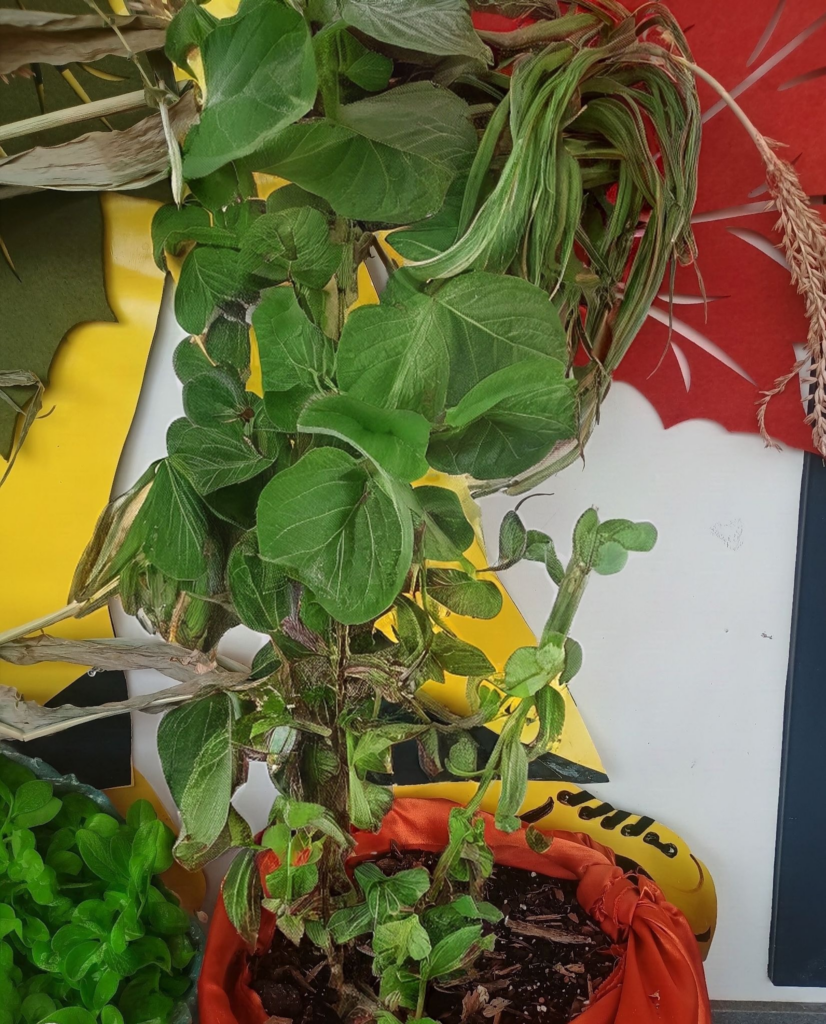
Item 7: Kale
Category: Leafy vegetable
Features to explore: Ruffled, curly, bumpy leaves
Learning activities
Sensory exploration
Students touch, smell, listen to information about, and visually examine the fall items. Guiding questions invite them to identify a texture, locate a plant part, describe a shape, or indicate whether they notice a scent. Students may answer through speech, signs, gestures, object choices, Braille, augmentative and alternative communication, or a recorded response.
Plant sorting
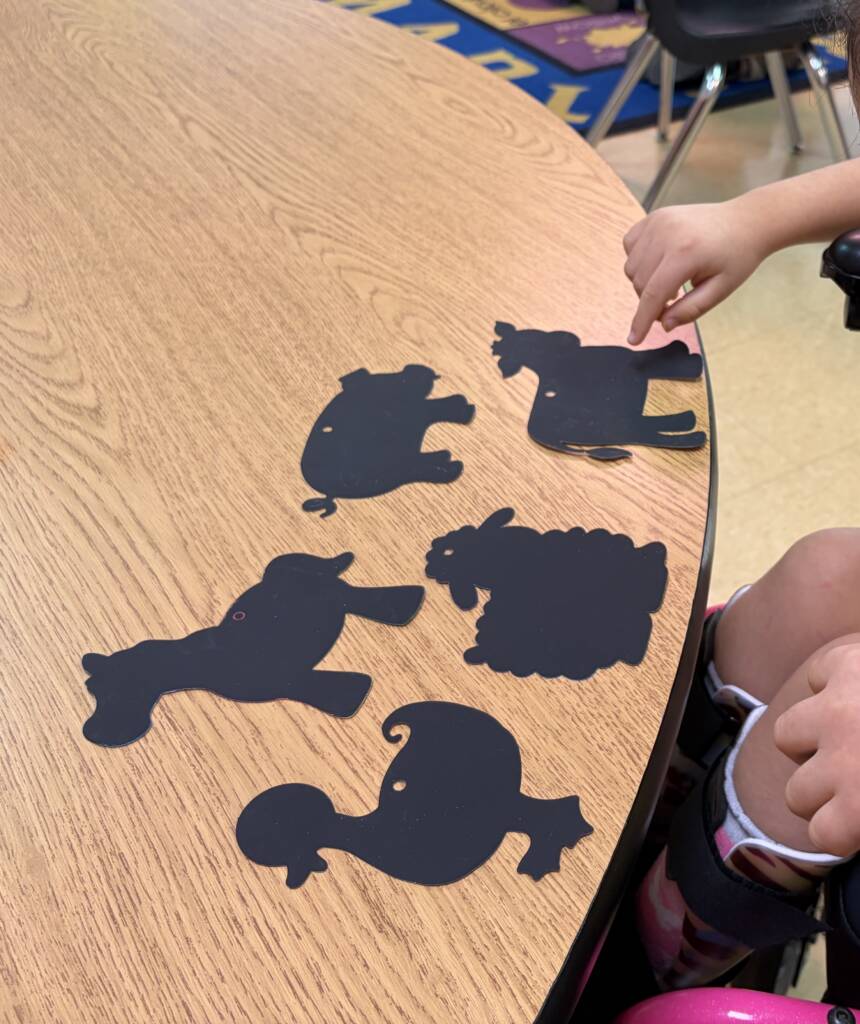
Students could sort real items, models, or object symbols into categories such as leafy vegetables, root vegetables, herbs, flowers, and fall fruits or decorations. This activity reinforces vocabulary while showing that one item can sometimes be described in more than one way. For example, a pumpkin is scientifically a fruit and is also commonly used as a fall decoration.
IEP data collection sheets
Optional IEP Data and Assessment Sheets are available for teachers when the activity aligns with a student’s goals. Staff can record the student’s level of independence and the type of support provided. Possible areas for observation include:
- Exploration of at least three fall plants
- Recognition or communication of a texture or scent
- Matching or sorting an item into a category
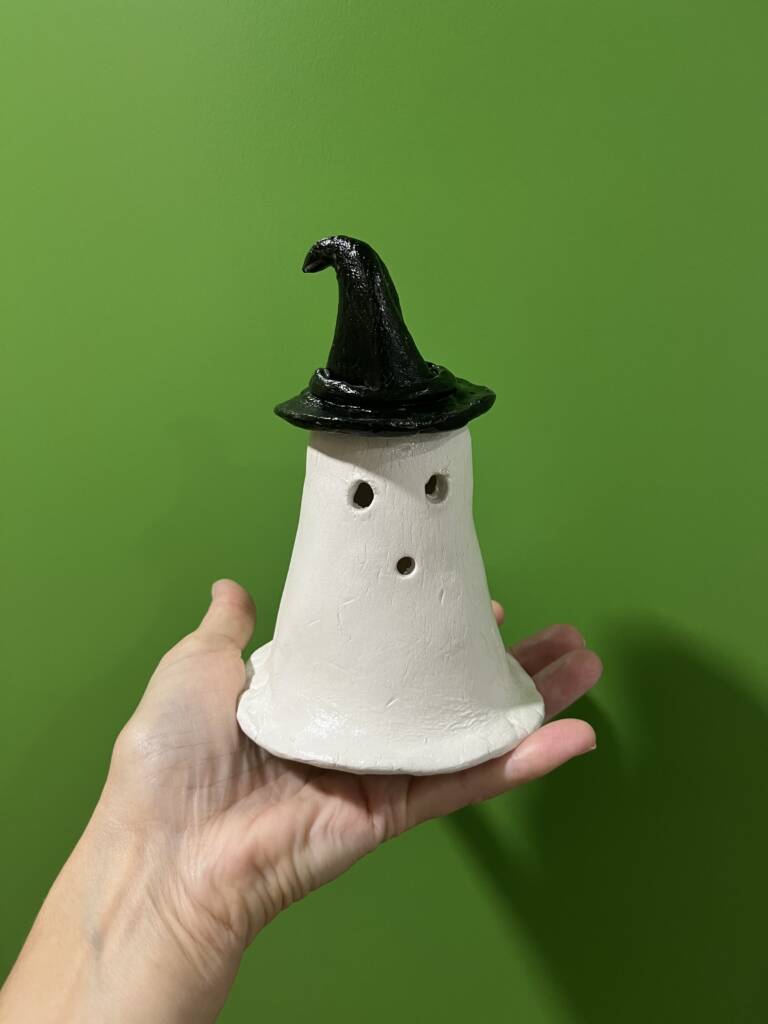
- Communication about an observation or completed clay model
- Identification of plant features
- Level of verbal, tactile, visual, or physical support
Expanded Core Curriculum connections
The fall display supports several areas of the Expanded Core Curriculum. Students use compensatory and access skills when they read braille or large print and listen to audio descriptions. Sensory efficiency is practiced through purposeful use of touch, smell, hearing, and available vision. Orientation and mobility skills may be incorporated as students locate stations and travel through the horticulture room.