There are numerous materials that will help students access the Common Core State Standards. These materials may be used to: access materials, exhibit knowledge and skills, or enhance learning activities associated with the CCSS. Presley and D’Andrea’s 2009 Assistive Technology text provides summaries of materials, which are listed below.
Summary of the kinds of Assistive technology, Presley and D’Andrea, 2009 (p. 23)
(1) Technology for accessing print
- Visual Access: Large print, reading stands, video magnification systems, whiteboards
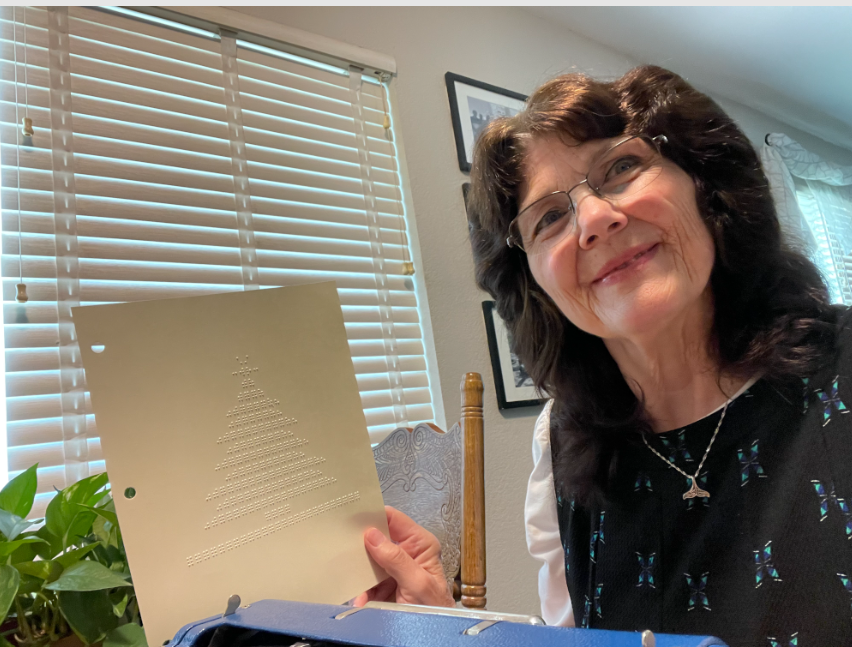
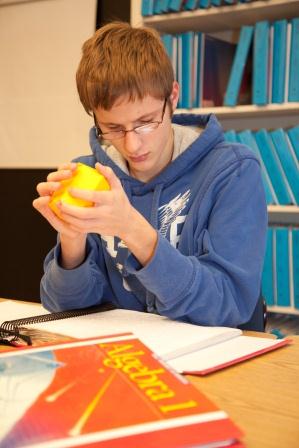
- Tactile Access: Braille reading, tactile graphics, tactile math tools
- Auditory Access: Audio recording, digital talking books, screen readers, talking calculators, specialized scanning systems that read scanned documents
(2) Technology for accessing electronic information
- Visual Access: Computers, software options, PDA’s {smart phones}, e-book readers
- Tactile Access: Refreshable braille displays, touch tablets, computers
- Auditory Access: Talking word processing programs, screen reading software, talking books, dictionaries, voice recorders
(3) Technology for producing written communications
- Visual Access: Manual tools- bold raised line paper, felt tip pens, bold graph paper. Electronic tools- word processors, imaging software, laptop or computers, drawing software
- Tactile Access: Braillewriters, slate and stylus, electronic braillewriters, braille translation software, embosser, computers with word processing, PDAs {smart phones}
- Auditory Access: Talking word processing programs, screen reading software, talking books, dictionaries, voice recorders
(4) Technology for producing learning materials into alternative formats
- Visual Access: Scanning and OCR systems, computer with word processing, laser printer
- Tactile Access: Scanning, computer with word processing, graphics software, braille embosser, equipment to produce tactile graphics, materials for collage, fusers and capsule paper
- Auditory Access: Digital and analog audio recording devices, scanning and OCR systems
Summary of Low Technology and High Technology
|
Low Technology |
High Technology | |
| Student use for access to learning materials | • Bold lined paper | • Computers |
| • Optical devices | • Smart phones | |
| • Tilted desk tops or stands | • Tablets | |
| • Audio recorders | • Braille printers, electronic braille writers, portable braille notetakers, magnification systems | |
| • Braillers | • Video magnifiers (e.g., CCTVs) | |
| • Low tech writing aids: writing guides, tactile maps, daily living technology aids such as talking watches or electronic clothing tags |
• Speech synthesizers and speech output systems (for students who are not verbal)
| |
| • Mathematical aids such as: tactile geometry figures, talking calculators, braille rulers | • Screen readers (JAWS, VoiceOver) | |
| • Textbooks or novels on disc | • Laptops | |
| • Tactile symbols, object symbols | • Large print software for computers- ZoomText or Large Print (Apple) | |
| • Bump dots and/or landmarking tactile symbols | ||
| Teachers use to create modified materials for students | • Photo copier for enlarging print, graphics | • Machines to create raised line drawings, etc. such as thermoform machines or embossers to create braille documents |
| • Digital recorders | • Scanners | |
| • Computers |