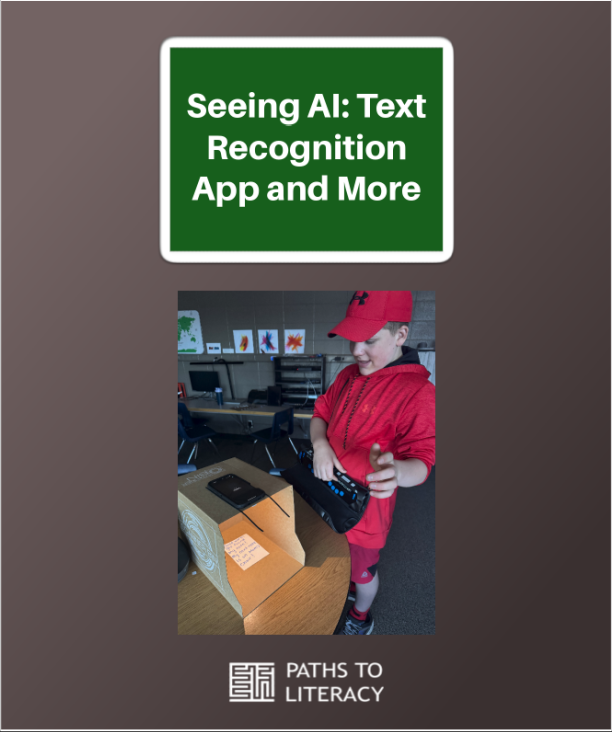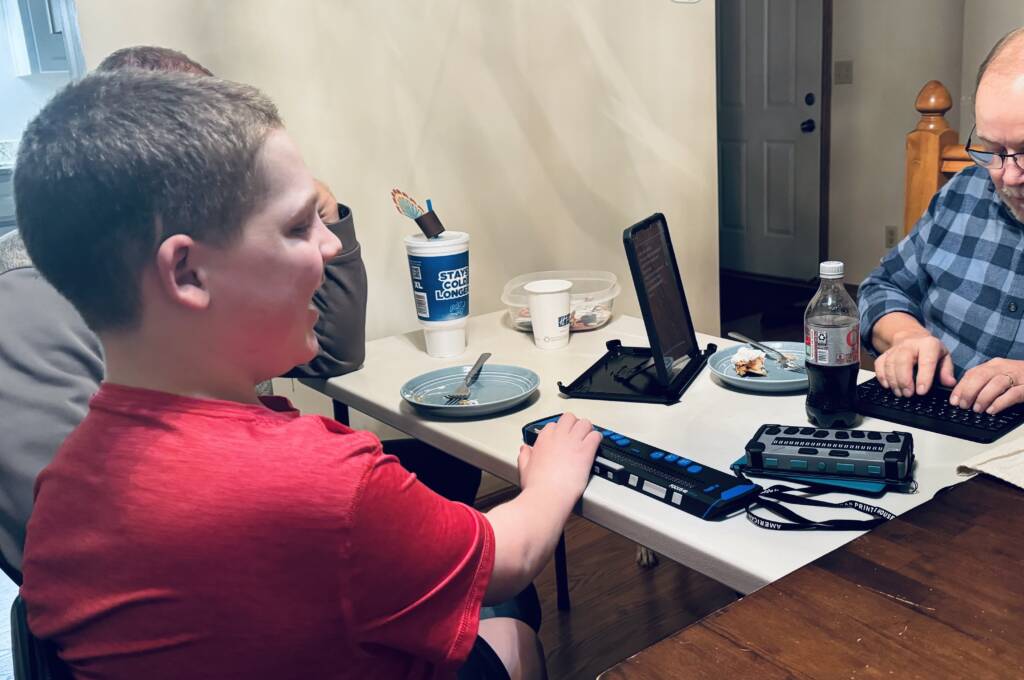
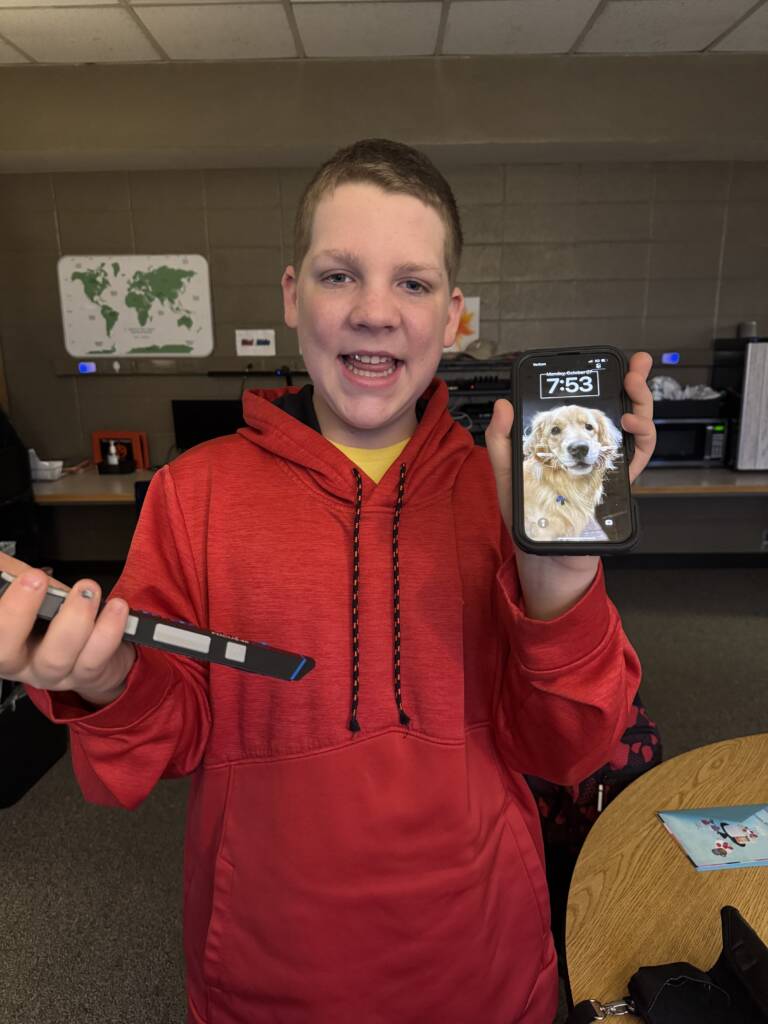
My name is Sandy Gillam and this is my 6th year as a TSVI (teacher of students with visual impairments) and my 18th year of teaching overall. My son, who is also my student, Liam (age 16, deafblind) has been learning how to use the Seeing AI app on his iPad for quite some time. This school year he got his first official cell phone and is so excited about it! One of the goals we have for him at school and home both is to experience the value of an app like Seeing AI. This app provides text recognition, object and scene description, money recognition and much more.
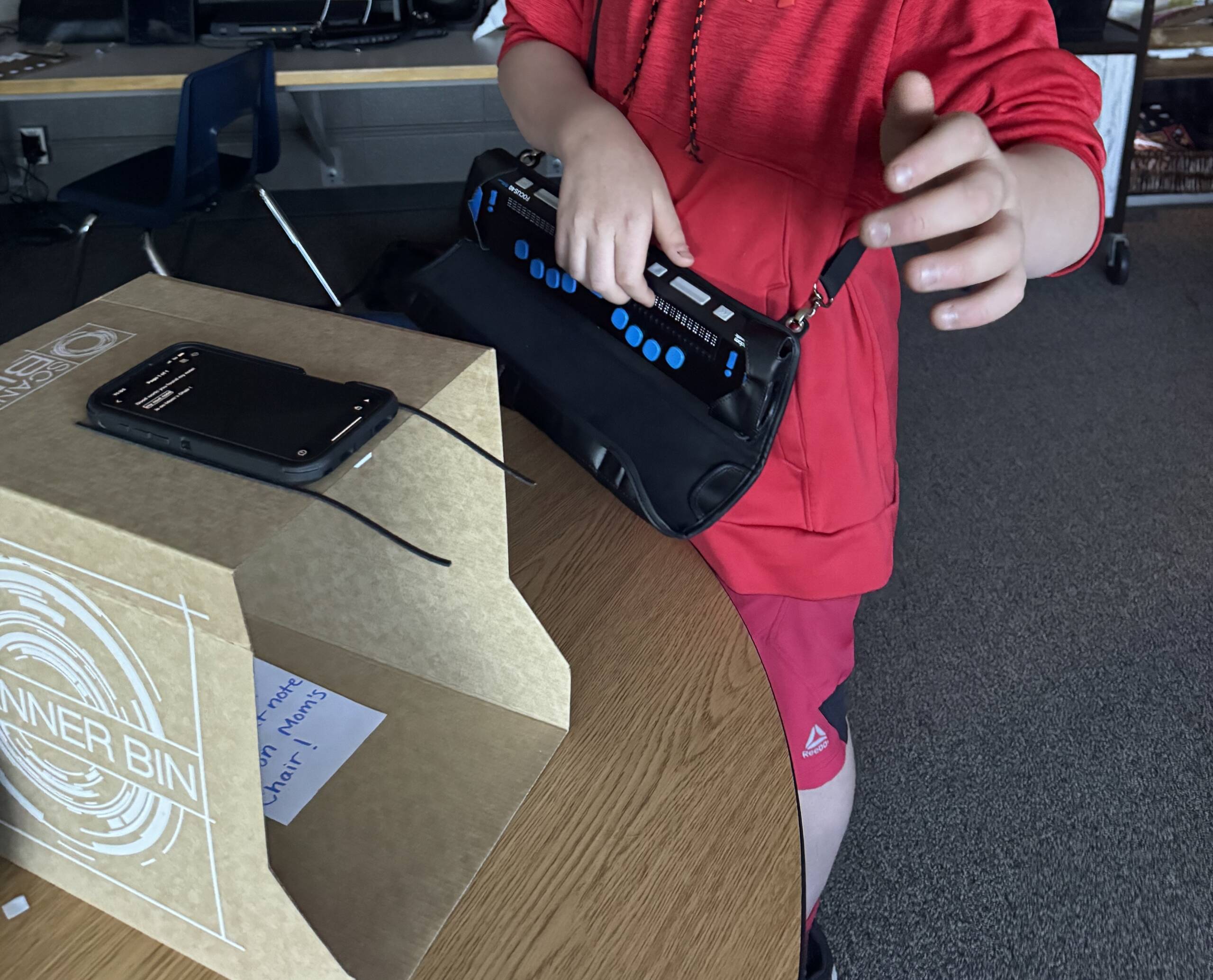
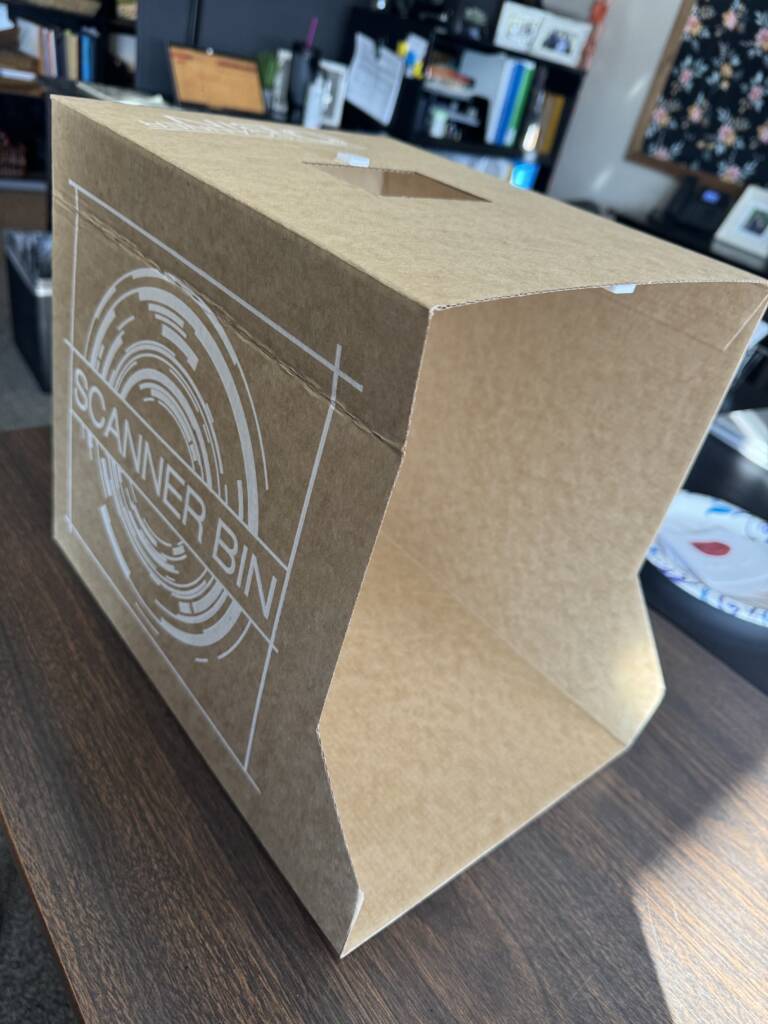
One thing that we recently purchased that helped lining up items to view that has been so incredibly helpful is the “SCANNER BIN”. This box helps Liam to place his phone in the correct position every time and independently. Whatever item you place in the box the camera can get a clear picture no matter where it is placed in the box. Game changer for us! Before we did any of these activities, he had many little lessons on how to navigate the app, how to read different items, and how to use the Scanner Bin. I found our Scanner Bin at Amazon.
Text recognition scavenger hunt activities
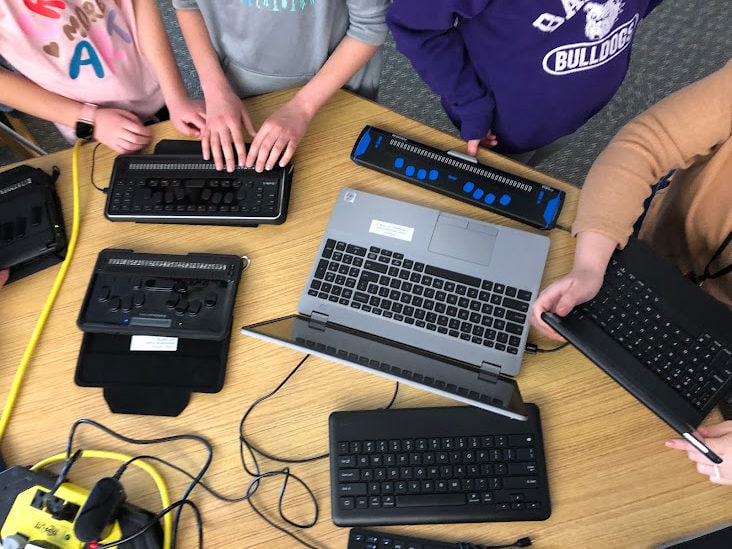
I will describe two activities we did with him at school this semester using this app and his cell phone (paired with a refreshable braille display).
Activity one
This activity is one of Liam’s favorites and can be adapted to fit a variety of purposes and in a variety of locations. The purpose of this activity is for Liam to become comfortable and fluent using the app in a motivating way.
Below is just one example of a scavenger hunt Liam completed:
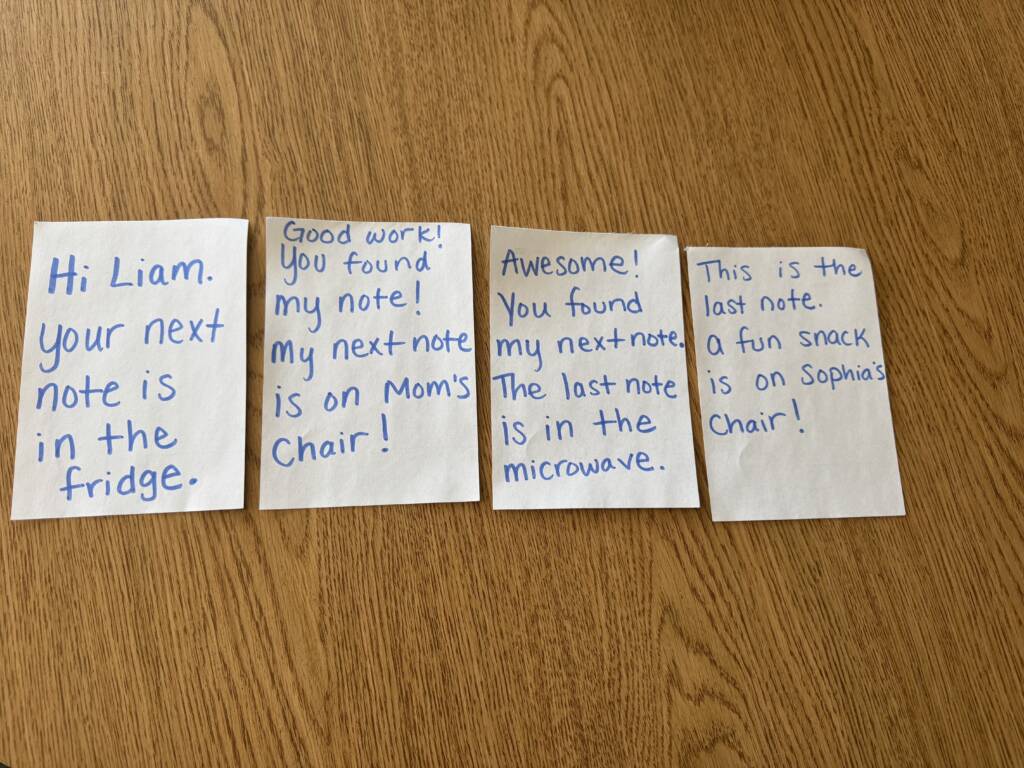
I wrote 4 hand-written notes for Liam hiding them throughout our classroom for him to find following the clues on the notes.
- Hi Liam, your next note is in the fridge
- Good work! You found my note! My next note is on Mom’s chair!
- Awesome! You found my next note. The last note is in the microwave.
- This is the last note. A fun snack is on Sophia’s chair!
This activity is especially meaningful because Liam is always curious about what handwritten notes say if he finds them lying around and now, he has a way to read them independently.
Activity two
We have also tried this same activity in December using a large felt Christmas tree and he had to find all the ornaments to put on the tree by using the hand-written note clues and reading them using the Seeing AI app on his phone.
Recipe activities:
We have used this app to make recipes! We have made three recipes so far using the Seeing AI app to read the recipe.
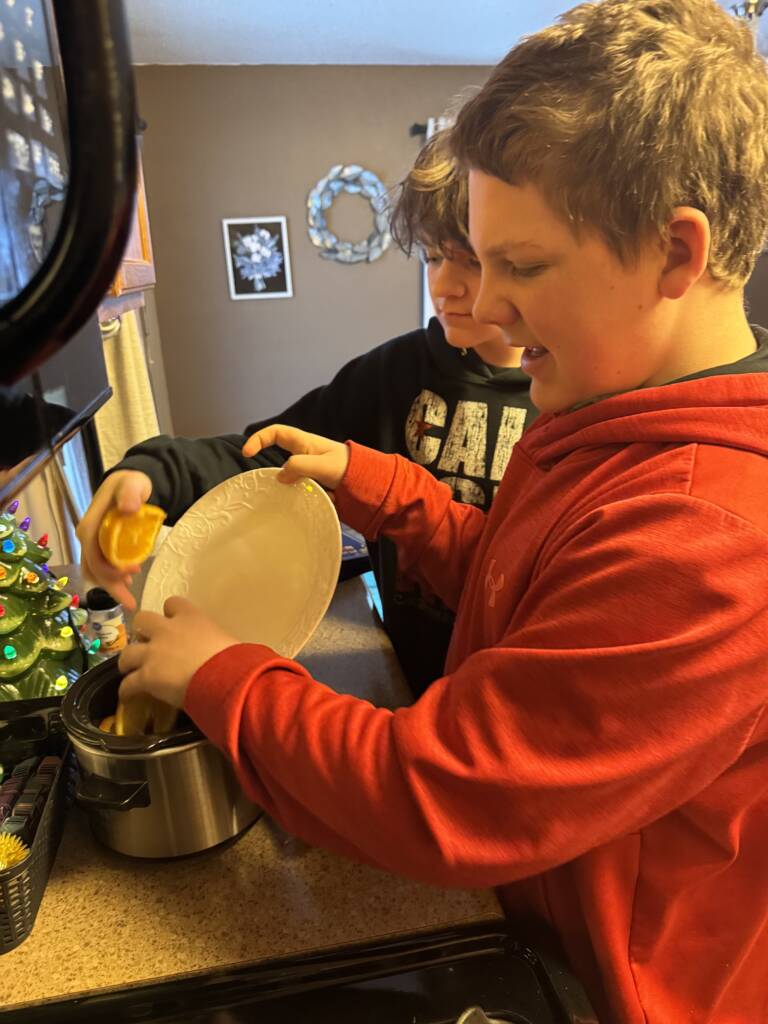
The following recipes are what he has made so far
- Cinnamon applesauce ornaments
- Homemade trail mix
- Christmas simmer pot
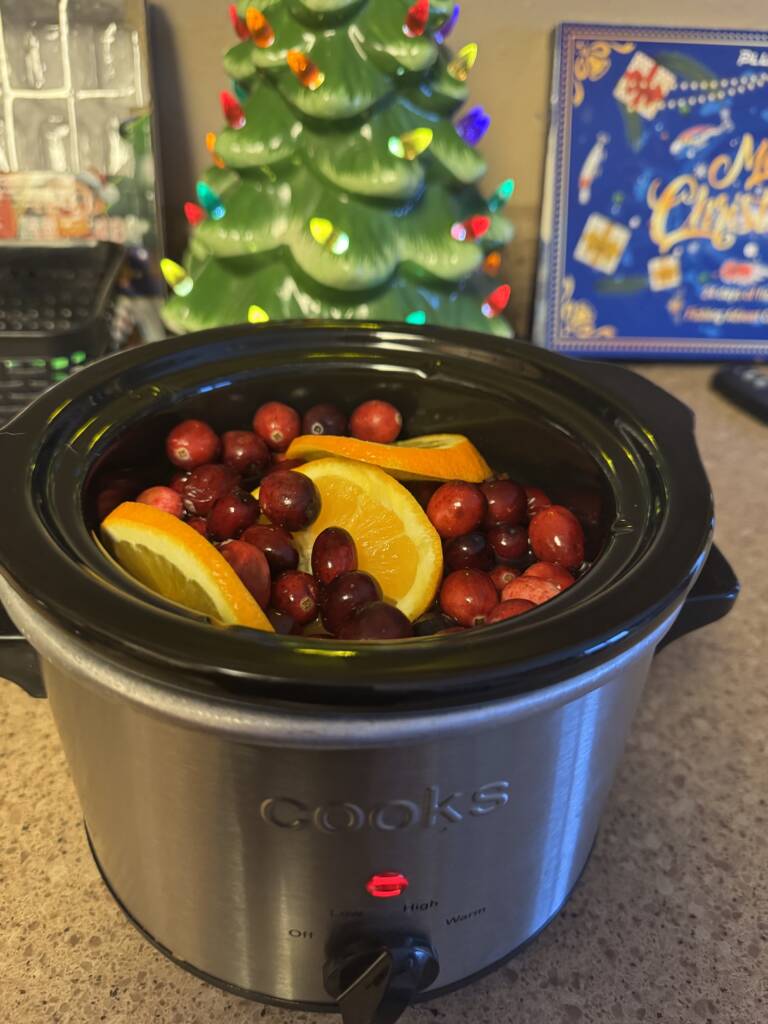
One thing we learned is to be extra careful with a braille display when you are making recipes with liquids or powdery ingredients. It is helpful to keep the braille display separate and have a dry towel near it to keep hands clean before touching it. He used the Seeing AI app to read the labels of food items and to read the recipe/instructions.
Future activities
We are planning to go to the grocery store soon to read items we find on the shelf (real life application) and to buy items on our grocery list.
Read more about Sandy and Liam