Teachers of the Visually Impaired (TVIs) face one of the most demanding workflows in special education. Every day, TVIs must adapt general education materials into braille, large print, tactile graphics, and accessible digital formats, often with minimal turnaround time.
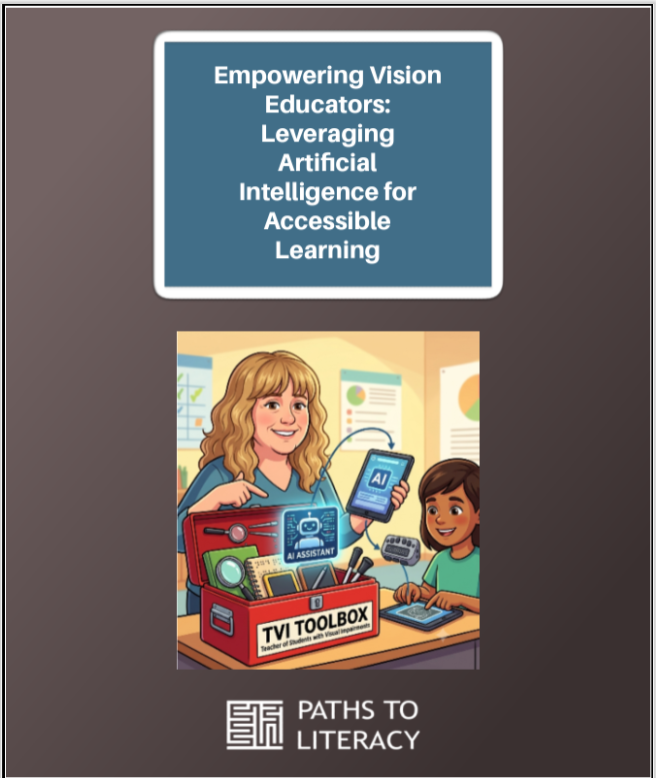
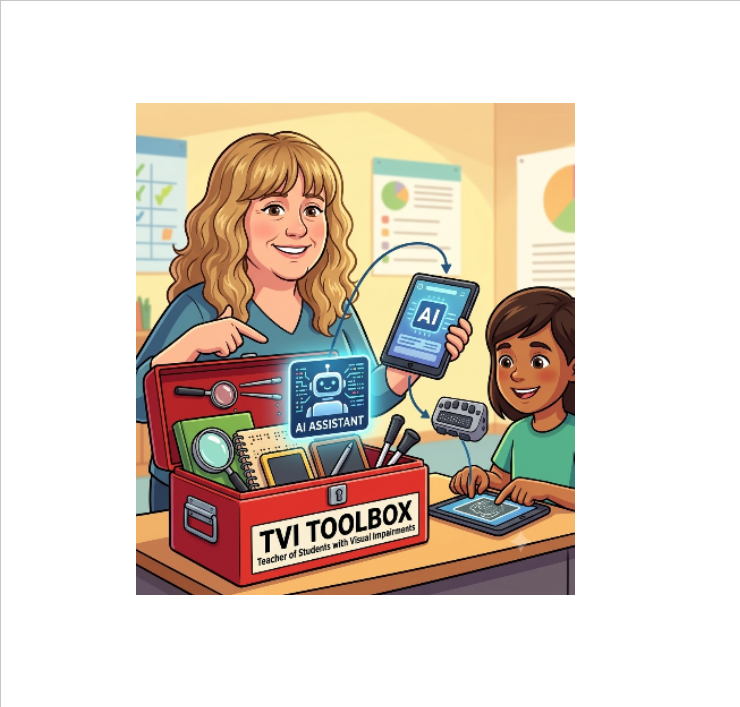
Artificial Intelligence (AI) can be one more tool in the toolbox for TVIs. Rather than replacing specialized expertise, generative AI tools serve as digital drafting assistants that accelerate lesson preparation, text adaptation, image description, and tactile blueprint generation. The image in this paragraph was created using Google Gemini with the prompt of “Create an animated image of AI being one of the tools in a TVI toolbox using an image of me”. I then uploaded an image of me.
Let’s take a look at some of the possibilities
Generating and adapting reading passages
General education reading passages often contain visual references that are non-essential or confusing for non-visual learners. TVIs can copy the passage into an AI platform PLUS:
- Rewrite passages for tactile learners: Strip out unnecessary visual idioms or adapt context to focus on auditory, tactile, or kinesthetic details.
- Use grade level Lexile adjustment: Quickly adapt a 10th-grade biology passage to a 4th-grade reading level for students with multiple disabilities while retaining core science concepts.
- Dual media materials: Create side-by-side text with custom line numbers, tailored specifically for screen-reader navigation or high contrast screen magnification.
Drafting Alt Text and visual descriptions
Alt Text is short for alternative text. It is a written description added to an image on a webpage, social media post, or document. Alt Text lives in the underlying code to describe what the image shows and what purpose it serves so the user who is visually impaired can access it.
Creating descriptive alt text for complex diagrams, textbook charts, and historical maps is time-consuming. AI tools allow TVIs to upload images and generate preliminary descriptions.
- Diagram deconstruction: AI can break down a multi-step flowchart (e.g., the water cycle) into sequential, numbered text descriptions suitable for screen readers. This can be extremely useful not only as a time saver, but for information that the TVI may not have a great understanding of the content.
- Contextual alt text: Prompts can specify target audience requirements. For example, “Describe this graph for an 8th grade student using a refreshable braille display in under 150 words.”
Conceptualizing graphic images and tactile drafts
While AI cannot directly produce embossed tactile graphics, it can assist in designing the spatial blueprints needed for tools like Swell Touch paper for use in a Pictures In A Flash (PIAF) machine.
Generative Tactile Outlines: AI image generators can create simplified black-and-white vector line art designed to avoid tactile clutter (e.g., thick outlines, distinct textures, separated elements).
Code-Based Graphics: Advanced AI models can generate scalable graphics for simple geometric shapes, maps, or charts, which can then be imported for tactile production.
Designing customized cheat sheets and mnemonics
TVIs frequently create reference materials for both students, families/caregivers, service providers, and educational teams.
UEB (Unified English Braille) reference sheets: Quick reference lists for contracted braille symbols, math indicators (Nemeth or UEB Math), or screen-reader key commands (JAWS, VoiceOver).
Self-advocacy prompts: Lesson scripts and roleplay prompts to help students practice asking teachers for accessible materials.
Essential precautions: The need for human editing
While AI generates drafts in seconds, it cannot replace the specialized judgment and expertise of a TVI. Unchecked AI outputs can pose significant risks to braille accuracy and instructional validity.
- Tactile clutter and overcrowding: Visual aesthetics do not map 1:1 to tactile perception. An AI-generated image may look clean visually but feel like a chaotic smear to a braille reader. TVIs must edit out background elements, increase line spacing, and apply tactile design guidelines established by the Braille Authority of North America (BANA).
- Carefully edit images: Images are not always perfect. I have requested an image recently of a child’s hand with 5 bunny finger puppets on it. At first glance the image appeared perfect. When I looked again for editing the document, I noticed the hand had six fingers and a thumb.
- Spatial discrepancies in descriptions: AI frequently misinterpret spatial relationships in images (e.g., confusing “left of” with “above”). TVIs must manually verify every alt text description against the original graphic.
- Student privacy and confidentiality (FERPA): TVIs must never input personally identifiable information, Individualized Education Program (IEP) goals with student names, or identifiable student data into public AI models.
Embracing artificial intelligence has provided new opportunities to enhance my instructional process. Throughout the previous academic year, AI assisted in drafting image descriptions for descriptions for embossing and modifying the complexity of reading passages to meet the diverse levels of my student’s needs. While these tools offer revolutionary potential, maximizing their value requires continuous learning and professional development. AI-generated content must always be paired with human oversight and educator expertise to ensure accuracy and educational quality.
Reference
Provincial Resource Centre for the Visually Impaired. (2025). Methods of creating tactile graphics.