JAWS, Job Access With Speech, is a popular screen reader, developed for computer users whose vision loss prevents them from seeing screen content or navigating with a mouse. JAWS provides speech and braille output for the most popular computer applications on your PC. There are other screen readers as well, but this post will focus on JAWS.

This list of resources are not the only resources available for the JAWS software program from freedomscientific.com, but they are the ones I use most often to prepare for training or working with students.
JAWS Help Menu
The most thorough and convenient resource for how to use JAWS is located in the JAWS help menu.
- JAWS Training – opens in FS Reader
- JAWS Topics – searchable list of topics
- JAWS Keystrokes – a complete built-in resource of software programs and the keystrokes needed to access them
VIP Software Guides for JAWS
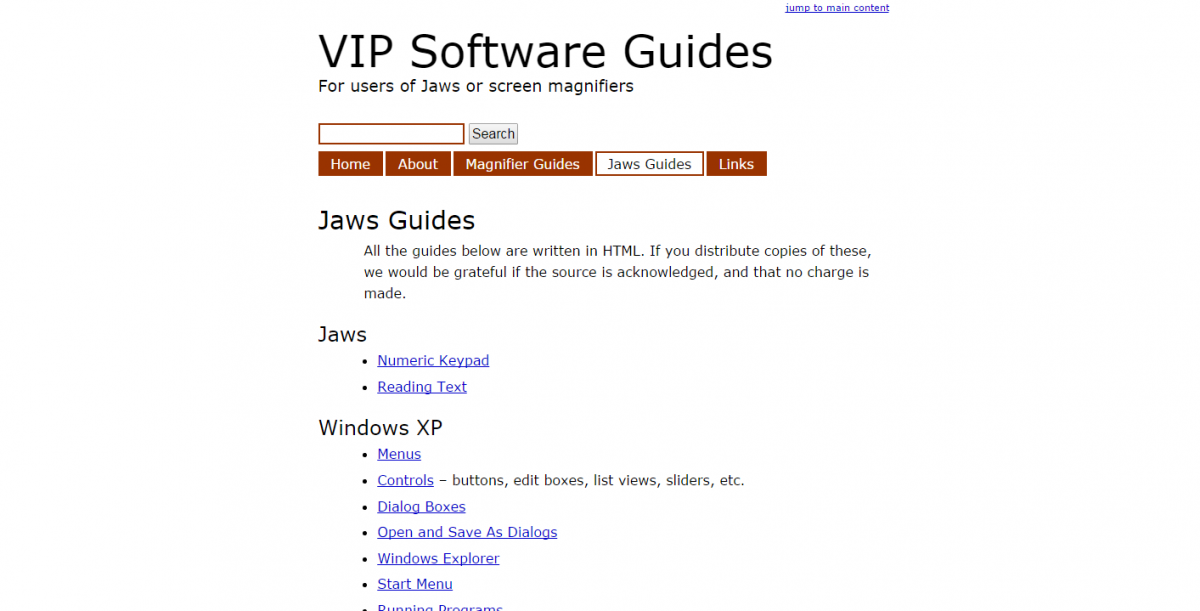
An exhaustive list of JAWS tutorials for a variety of software programs.
Per the website:
All the guides below are written in HTML. If you distribute copies of these, we would be grateful if the source is acknowledged, and that no charge is made.
http://vip.chowo.co.uk/jaws-guides/
Archives of Webinars from Freedom Scientific
Also check out the archives of the free webinars they offer.
http://www.freedomscientific.com/Services/TrainingAndCertification/PaidT…
FSCast – Freedom Scientific’s podcast
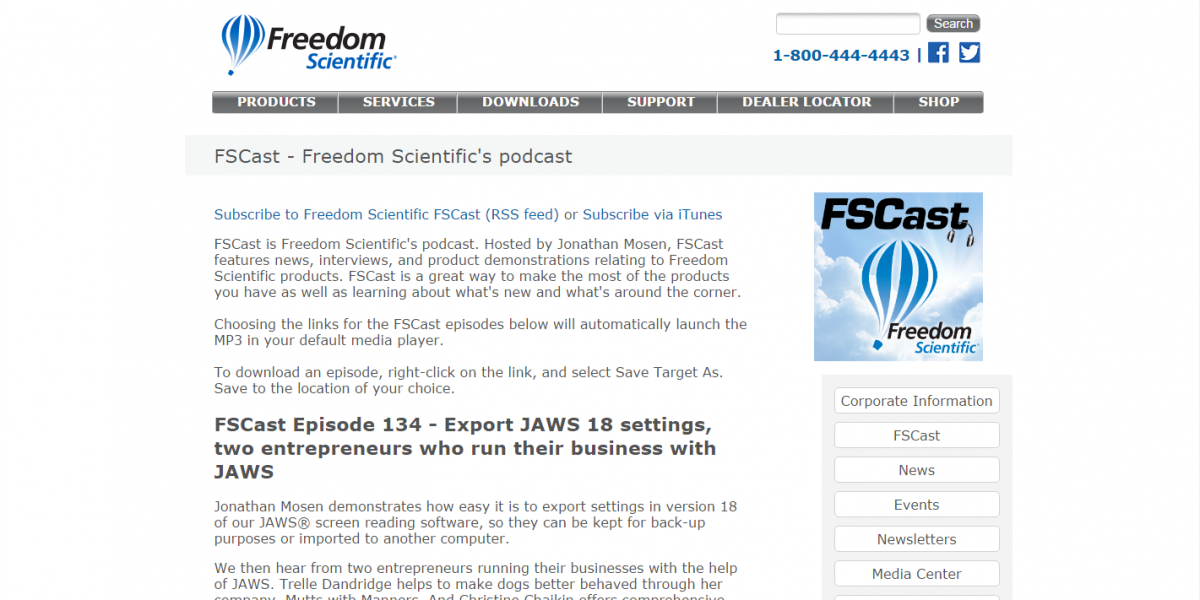
FSCast is Freedom Scientific’s podcast. Hosted by Jonathan Mosen, FSCast features news, interviews, and product demonstrations relating to Freedom Scientific products. FSCast is a great way to make the most of the products you have as well as learning about what’s new and what’s around the corner.
http://www.freedomscientific.com/About/FSCast
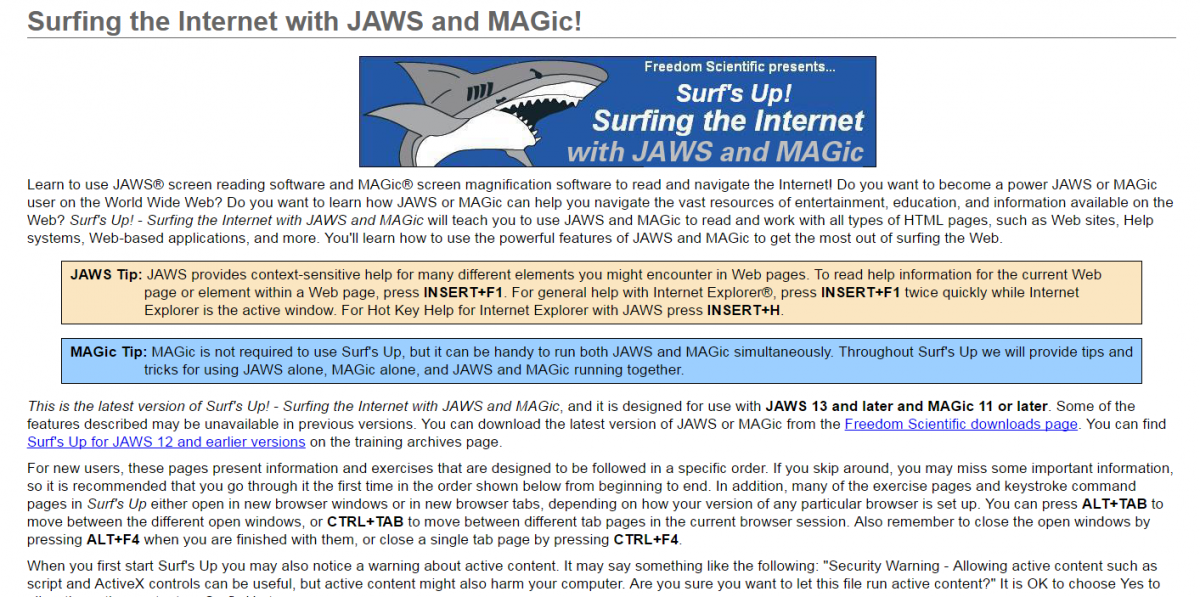
Surfs Up (Internet with JAWS)
An extensive, step by step guide navigating the Internet using JAWS. It walks you through a series of lessons teaching you not only navigation but JAWS terminology.
http://www.freedomscientific.com/Training/Surfs-Up/_Surfs_Up_Start_Here.htm
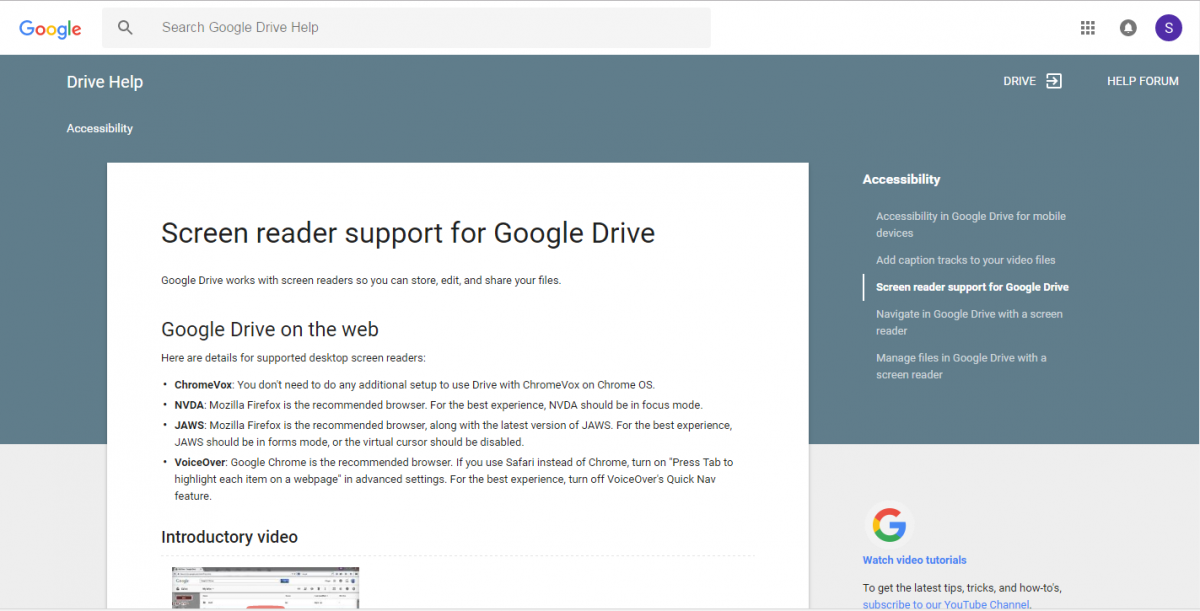
Screen Reader Support for Google Drive
Google’s resources for using Google drive with JAWS and other screen readers.
At the bottom of the page there is a link for how to use a screen reader with Google docs, slides and sheets.
https://support.google.com/drive/answer/6034939?hl=en
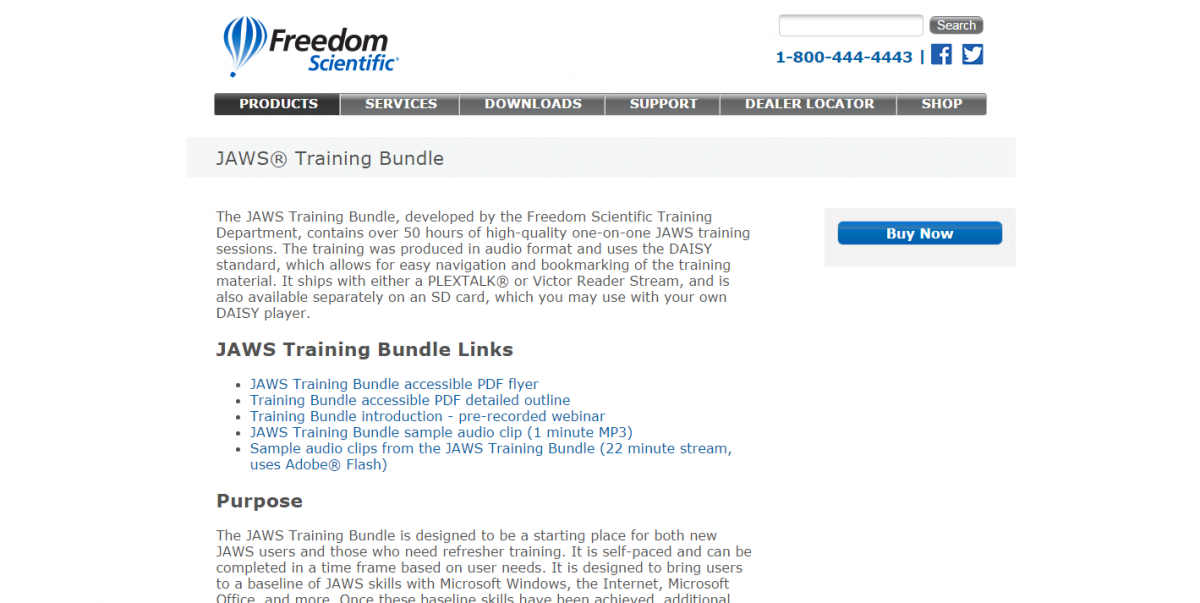
JAWS Training Bundle
The JAWS training bundle is an extensive training resource which is a paid product.
http://www.freedomscientific.com/Products/Blindness/TrainingBundles
Access Technology Institute, LLC Textbooks
The next resource cost money but are excellent textbooks for how to use screen readers with Windows and Microsoft Office. All of the textbooks cost $90.00, which might seem expensive but they are complete textbooks containing all of the concepts and keystrokes for using software with JAWS. When you purchase a textbook it comes in MS Word, individually labeled audio files, HTML, and plain Text format.