By Tina Herzberg, Sara Larkin, Susan Osterhaus, and Penny Rosenblum
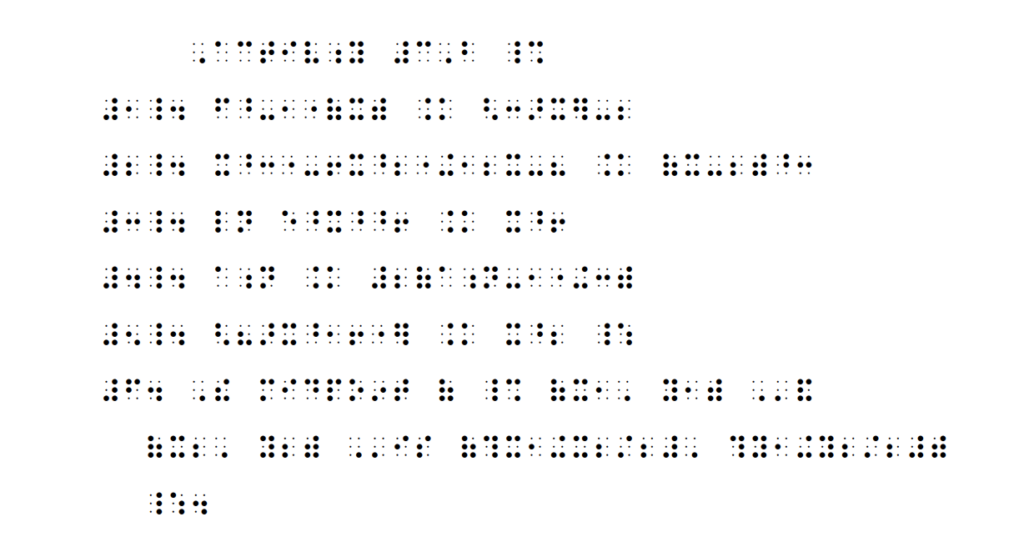
If you are a braille reader, we have .brf files of the Power Point used in each lesson. If you are using Duxbury, before opening any BRF files in Duxbury, go into the Global menu. Select “Formatted Braille Importer” and then check the box for “Read formatted braille without interpretation” at the top of the window. This will ensure that nothing is changed when opening the BRF files.
To save the file to your computer, so that you can open it from there, using whatever translation software you have, please follow these directions:
Right click on a brf file and save it to your computer.
Steps to Download a BRF file
In order to download a file in Braille Ready Format (BRF), follow the directions below:
- Right click on the file link.
- Select “Save link as …”.
- Select the location where you want to save it.
- Open the file from the folder where you saved it.
See also Directions to Download a BRF.
BRF Files to Download
- Special Symbols Page
- Lesson 1 PPT.brf
- Lesson 2 PPT.brf
- Lesson 3 PPT.brf
- Lesson 4 PPT.brf
- Lesson 5 PPT.brf
- Lesson 6 PPT.brf
- Lesson 7 PPT.brf
- Assignment 1 Answer Key
- Assignment 2
- Project INSPIRE, Course 1: Introduction
- If You Are a Braille Reader Using Nemeth Code within UEB Contexts PreK-1
- Lesson 1: Numbers and Linear Problems
- Lesson 2: Math Problems and Nemeth Code Switch Indicators
- Lesson 3: Multiple Choice Problems and Spatial Problems
- Lesson 4: Formatting Materials for Students in the Early Grades
- Lesson 5: Working with the Educational Team
- Lesson 6: Supporting the Student in Learning Nemeth Code and Math Concepts
- Lesson 7: Family Engagement to Support the Child’s Success in Math
- Assignments for Nemeth Code within UEB Contexts PreK-1
- Resources for Nemeth Code within UEB Contexts PreK-1
- Contact Project INSPIRE: Nemeth Code within UEB Contexts PreK-1